From motor control to advanced automation.
Featured project
Controls Trainer
Interactive Industrial Automation Training
A browser-based PLC and controls training platform where students wire circuits, program ladder logic, troubleshoot faults and practice industrial automation in an interactive environment.
- Interactive simulations
- Industrial components and wiring
- Saved progress and completion certificates
- Built for students and technicians
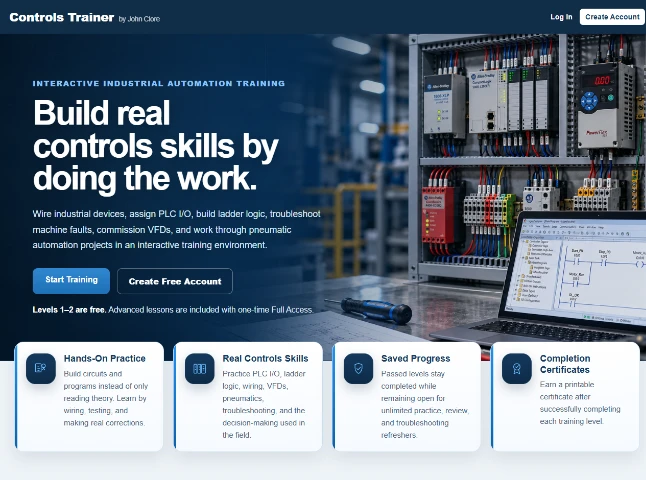
PLCs, VFDs, sensors, wiring and HMIs.
Build, test and troubleshoot interactively.
Track progress and earn completion certificates.
About this project
A hands-on platform for real controls skills
Controls Trainer is an interactive, browser-based industrial automation training platform I created to help students and technicians practice electrical wiring, PLC programming, troubleshooting and machine operation. I personally created the training lessons, using progressive, hands-on exercises that combine component selection, circuit building, PLC logic, troubleshooting and simulated equipment in a single learning experience.
Rather than simply reading about industrial controls, learners make connections, write logic, test their work and see how the system responds.
My role
Founder, Lesson Creator, Designer & Developer
I conceived and built Controls Trainer from the ground up. I created the lessons and instructional progression, then designed and developed the interactive platform that brings each exercise to life.
- Creation of every lesson, challenge and learning objective
- Platform concept and instructional design
- Website design, development and hosting
- PLC, wiring and troubleshooting simulation design
- Visual assets, equipment interfaces and animations
- Testing and ongoing improvements
Progressive skill development
Training levels
Start with guided fundamentals and advance into commissioning, troubleshooting and machine-design challenges. These are cropped images from the real website, not placeholder graphics.
LEVELS 1–2 · FREE
Guided motor starters
Learn wiring and ladder fundamentals through introductory lessons.
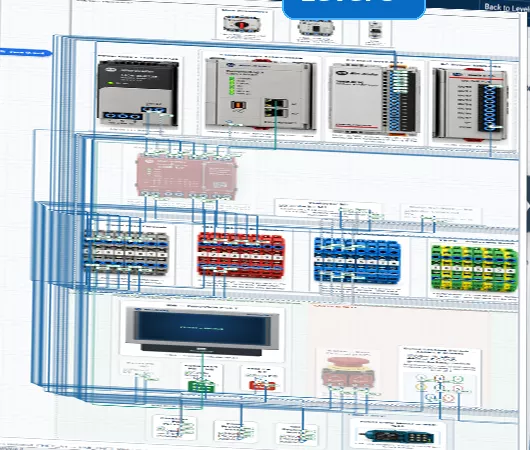
LEVEL 3 · FULL ACCESS
Technical challenge
Select components, assign PLC I/O, wire the system and program the turret.
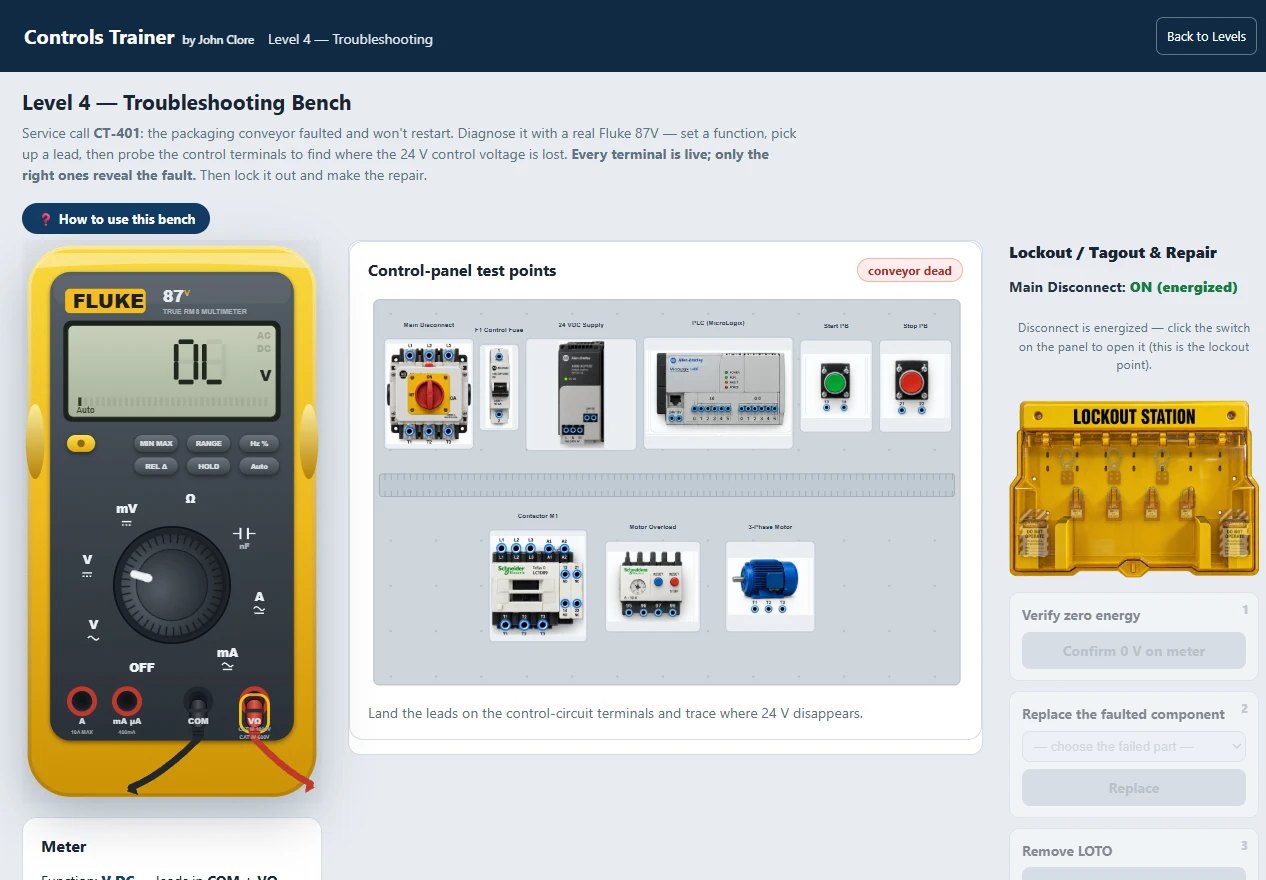
LEVEL 4 · FULL ACCESS
Troubleshooting
Diagnose faults with a virtual multimeter and control panel.
Build and connect
Interactive wiring and components
Work with PLCs, power supplies, terminal blocks and field devices. Click terminals, trace connections and build functional control panels.
- Industrial component selection
- Electrical wiring and I/O assignment
- Interactive visual feedback
- Ladder logic programming
Diagnose and repair
Real-world troubleshooting
Use a virtual Fluke multimeter, diagnose live faults and follow lockout/tagout procedures. The simulation presents control-panel test points and repair steps.
- Interactive multimeter
- Control-panel test points
- Lockout/tagout procedures
- Fault diagnosis
Operate and monitor
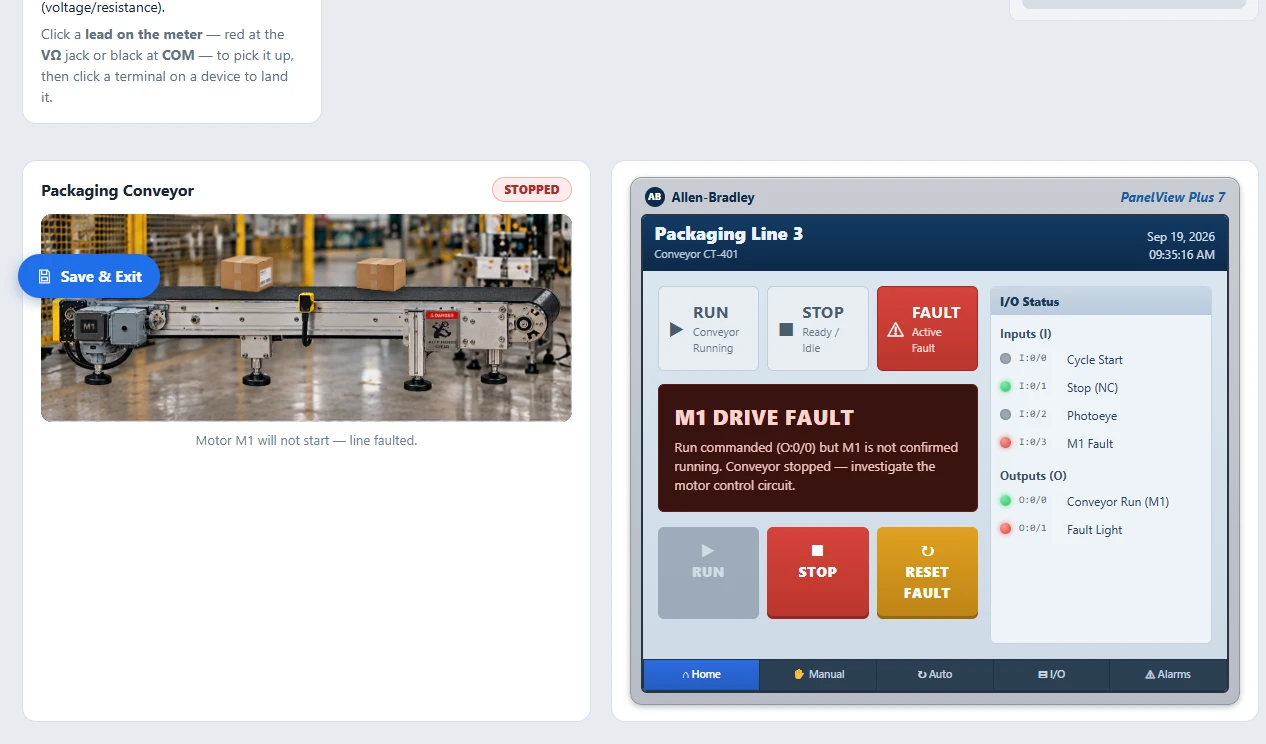
HMI and machine operation
Explore machine status, start and stop controls, alarms and I/O feedback through an interactive operator interface.
- HMI screen simulation
- Live I/O monitoring
- Alarm and fault handling
- Conveyor operation
Ready to build real controls skills?
Explore the actual lessons and interactive simulations at ControlsTrainer.com.